How to Understand and Run Qwen 2.5 Locally

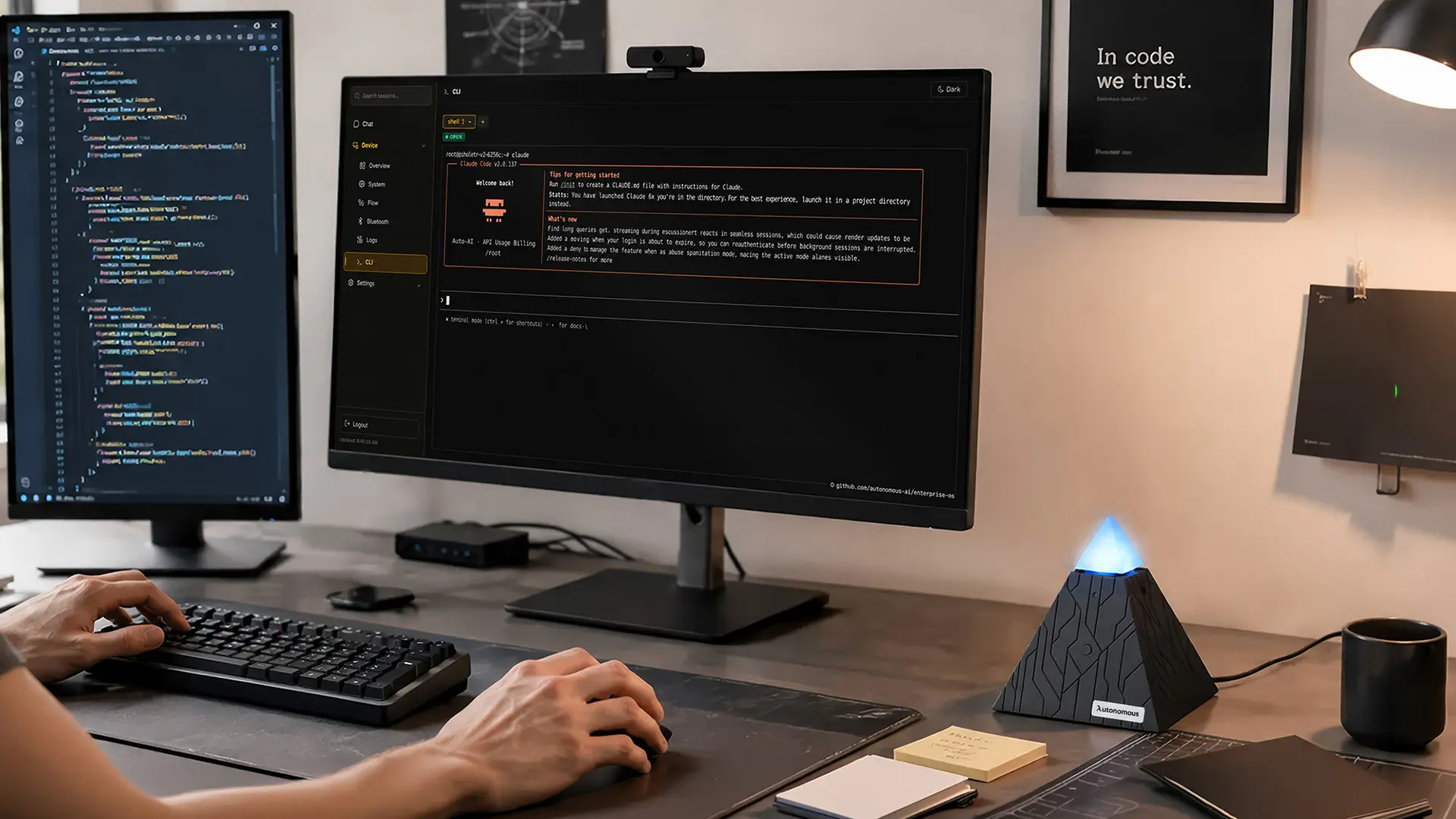
Qwen 2.5 is Alibaba's open-source family of language models built for coding, multilingual tasks, and reasoning, released in sizes from 0.5B to 72B parameters. It is strong at code generation, debugging, function calling, and structured JSON output, which makes it a common choice for developer tools and AI agents. This guide covers what Qwen 2.5 does, its model variants, how it compares to the newer Qwen 3, and how to run it on your own hardware.
Key features of Qwen 2.5
Qwen 2.5's core strength is code work, but it covers a broad set of developer tasks. The main capabilities are:
- Code generation across languages like Python, JavaScript, C++, and Java, adapting to an existing codebase
- Debugging that spots syntax and logic errors and suggests fixes
- Multilingual programming and code translation between languages and frameworks
- Function calling and structured JSON output for agent and workflow use
- Long-context handling for large repositories and multi-document tasks
These are the features that matter for building tools on top of the model, rather than just chatting with it. The function calling and JSON reliability in particular are why it shows up so often as the reasoning core in agent frameworks.
Qwen 2.5 model variants
Qwen 2.5 comes in several sizes, so the right variant depends on your hardware and how much accuracy the task needs. The table sums up the main ones.
Variant | Parameters | Best for |
|---|---|---|
Qwen 2.5 72B | 72B | High-accuracy reasoning, enterprise-scale work |
Qwen 2.5 32B | 32B | General-purpose coding, research |
Qwen 2.5 14B | 14B | Solid coding on a single consumer GPU |
Qwen 2.5 7B | 7B | Fast, cheap inference on modest hardware |
Qwen 2.5 1.5B / 0.5B | 1.5B / 0.5B | Edge devices, lightweight tasks |
For maximum quality from an open Qwen model, the 72B is the flagship, while the 7B and 14B variants run comfortably on standard consumer GPUs when you need faster, cheaper inference with the same interface. There are also Coder variants tuned specifically for programming tasks.
Qwen 2.5 versus Qwen 3
For most new projects, Qwen 3 is the better starting point, while Qwen 2.5 stays a solid choice for existing systems. Qwen 3's dense models match or exceed the larger Qwen 2.5 models and add stronger agentic and reasoning features. The table sums up the practical differences.
Qwen 2.5 | Qwen 3 | |
|---|---|---|
Status | Previous generation, widely deployed | Current generation |
Performance | Strong, scales with size | Matches or beats larger 2.5 models |
Agentic and reasoning | Solid, function calling and JSON | Improved reasoning and agent features |
Best for | Existing systems, proven workloads | New projects |
If you are choosing today, start with Qwen 3 unless you have a reason to stay on 2.5. Existing systems built on 2.5 do not need to move immediately, and both sit within the wider Qwen model family, with similar enough interfaces that the practical question is usually which size and variant you can run.
What Qwen3.6-27B gets done in one hour
How to run Qwen 2.5 locally
Qwen 2.5 is open-weight, so you can run it yourself instead of calling a closed API, which keeps code and data on your own machine. The common runtimes are Ollama and LM Studio for a simple local setup, and vLLM for higher-throughput serving. Most people use 4-bit or 8-bit quantization to control memory and latency.
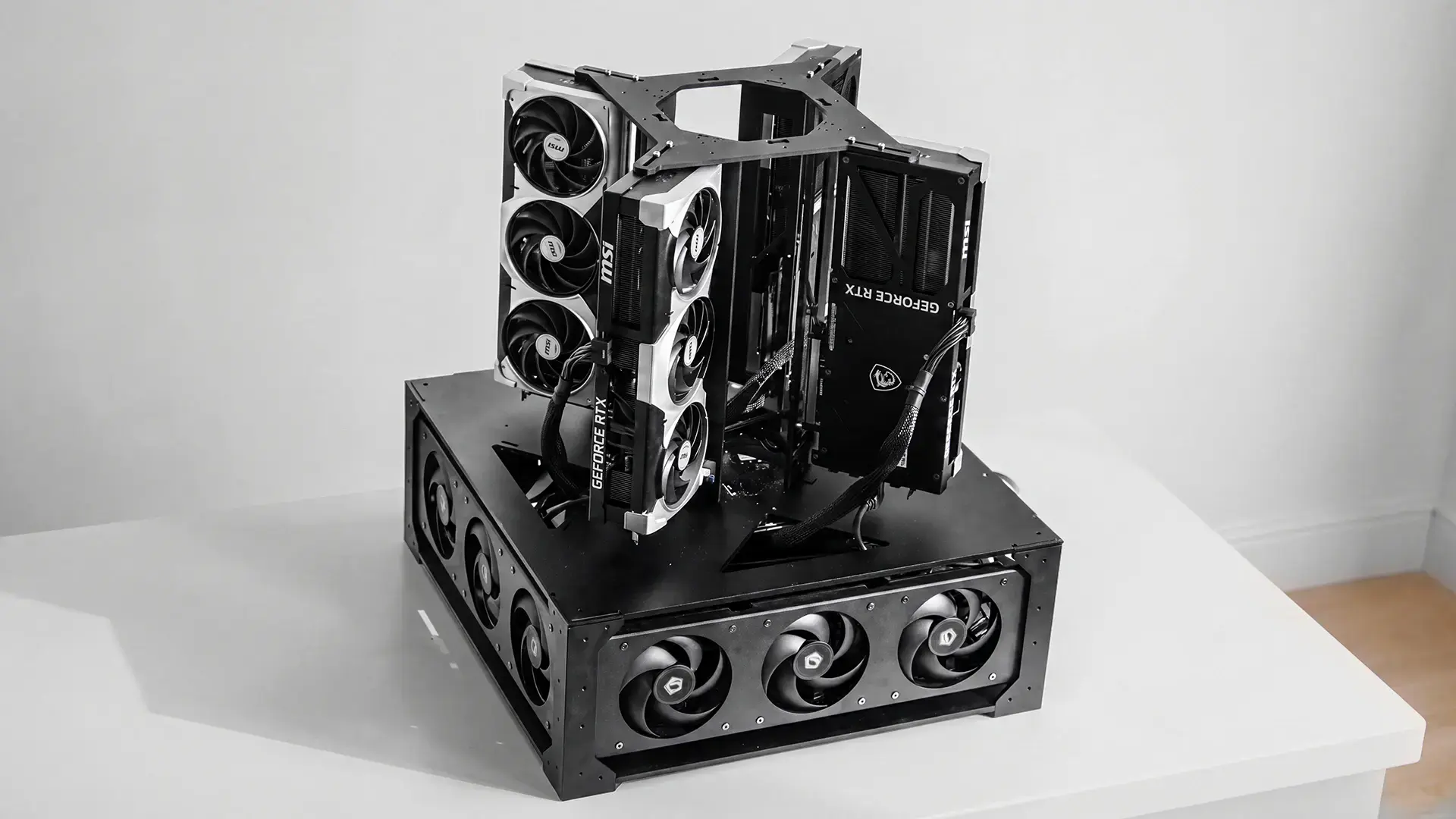
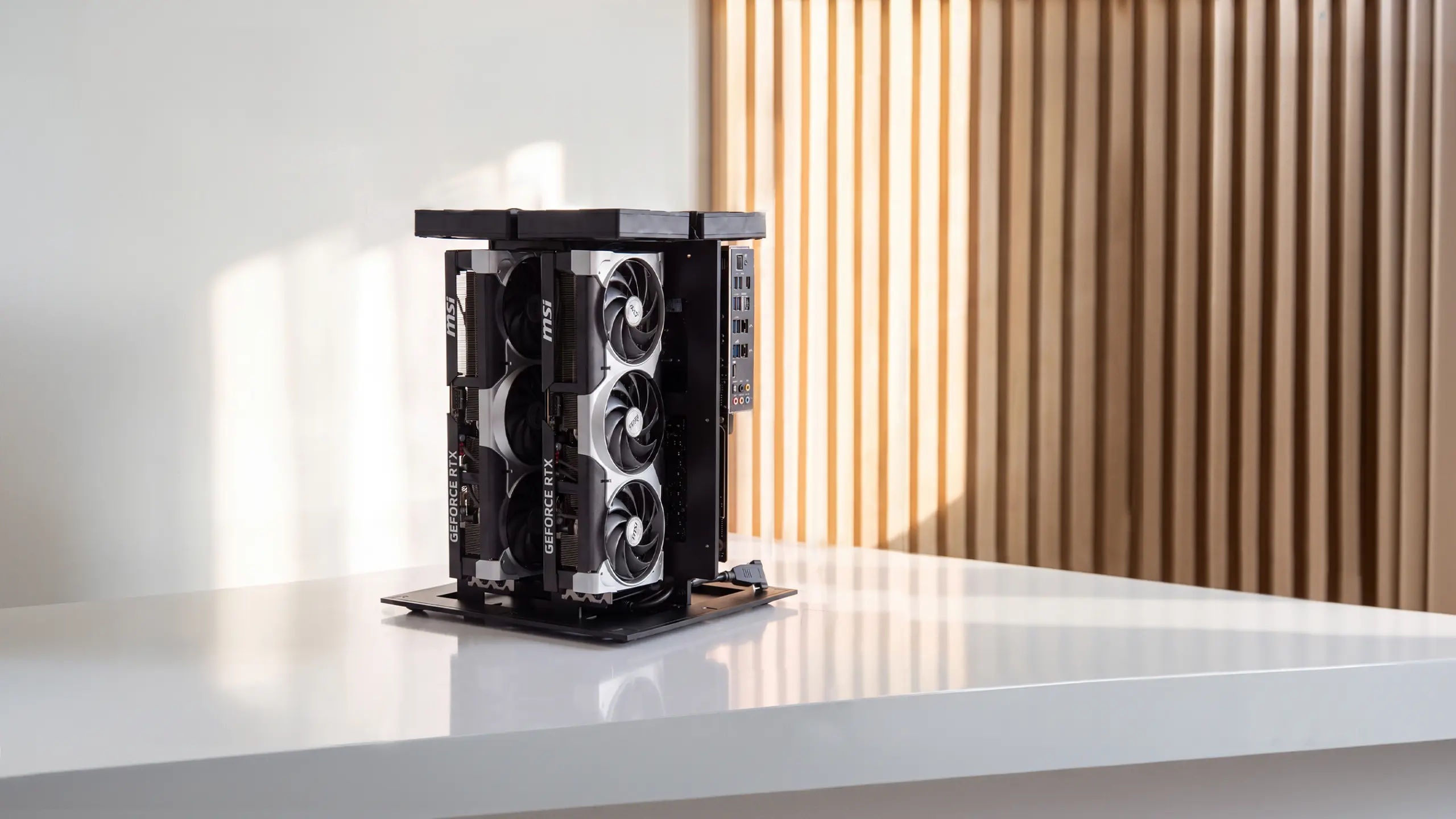
Hardware is the deciding factor. The 7B and 14B variants run on standard consumer GPUs, so a single modern card handles everyday coding use. The 72B flagship needs roughly 48GB of VRAM at 4-bit, which usually means two high-end cards. For running the larger Qwen models continuously, or serving several people at once, a machine built to run open models locally, such as the Autonomous Computer, handles them on your own hardware with no per-token cost. For light use, a single consumer GPU is enough to start.
What developers use Qwen 2.5 for
Qwen 2.5 fits best where code and structured output matter. The most common uses are:
- Software development, generating and reviewing code and speeding up iterations
- Debugging and refactoring existing codebases
- Cross-language code translation for migrations and international teams
- Documentation, generating clear comments and codebase docs
- Agent backends, where its function calling and JSON output drive tool use
Because it is open-weight and OpenAI-compatible, it also works as the model behind self-hosted assistants and agents, where you point your own tooling at a Qwen endpoint instead of a closed provider.
Frequently asked questions
What is Qwen 2.5?
Qwen 2.5 is Alibaba's open-weight large language model family, trained on around 18 trillion tokens, with particular strength in coding and multilingual understanding. It handles code generation, debugging, and translation, and its native function calling and reliable JSON output make it a common choice for developer tools and AI agents.
Is Qwen 2.5 open source?
Yes. Qwen 2.5 is an open-weight model family released in sizes from 0.5B to 72B, so you can download and run it yourself. Most variants are released under the permissive Apache 2.0 license, though a few sizes have different terms, so check the specific model card before commercial use.
Is Qwen 2.5 good for coding?
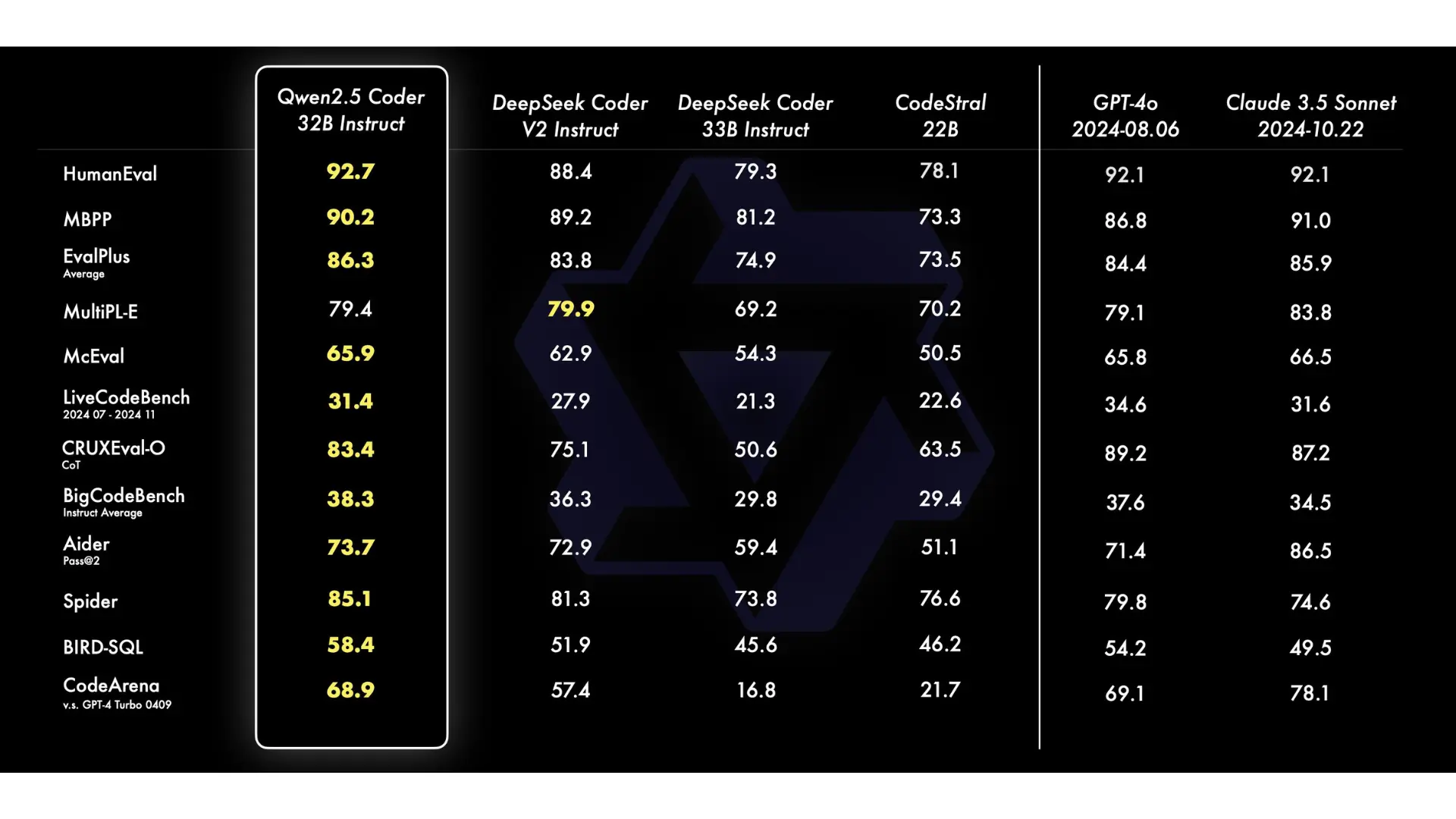
Qwen 2.5 is one of the stronger open models for coding, with dedicated Coder variants tuned for programming. It generates code across many languages, debugs existing code, and supports function calling and JSON output, which makes it a common backbone for developer tools and coding assistants that need reliable, structured results.
Can Qwen 2.5 run offline?
Yes. Because Qwen 2.5 is open-weight, you can run it fully offline on your own hardware using tools like Ollama, LM Studio, or vLLM. Smaller variants such as the 7B run on a single consumer GPU, while the 72B needs around 48GB of VRAM, so offline use is mainly a question of hardware.
Should I use Qwen 2.5 or Qwen 3?
For new projects, Qwen 3 is generally the better choice, since its models match or exceed the larger Qwen 2.5 models and add stronger agentic features. Qwen 2.5 remains a solid, proven option, and existing systems built on it do not need to migrate immediately. Match the choice to what your hardware can run.
How much VRAM does Qwen 2.5 need?
It depends on the variant. The 7B and 14B models run on standard consumer GPUs, while the 72B flagship needs roughly 48GB of VRAM at 4-bit quantization, typically two high-end cards. Quantization and the runtime you choose, such as vLLM, affect the exact memory and speed you get.
What is Qwen 2.5 best used for?
Qwen 2.5 is best for coding, debugging, cross-language code translation, and as the reasoning core for AI agents that need function calling and structured JSON. Its multilingual support and long-context handling also suit documentation and multi-document workflows, which is why it appears often in developer tools and self-hosted assistants.
Conclusion
Qwen 2.5 remains one of the most capable open model families for coding and agent work, with sizes that scale from edge devices to a 72B flagship and permissive licensing on most variants. Qwen 3 is now the stronger starting point for new projects, but 2.5 stays relevant for existing systems and for anyone matching a model to specific hardware. Because it is open-weight, you can run it privately on your own machine, which is where it fits best for developers who want control over their code and data.
References
- Alibaba Cloud, Qwen model documentation, qwenlm.github.io
- Hugging Face, Qwen 2.5 model cards and licenses, huggingface.co